Markdown Notes, light and easy

A pretty, minimal editor.
Write with a clean, simple feel.

UX

Easy Markdown Editing

Edit markdown with a Notion-style interface for smooth note-taking. You don't need to know markdown syntax.

Slash Command

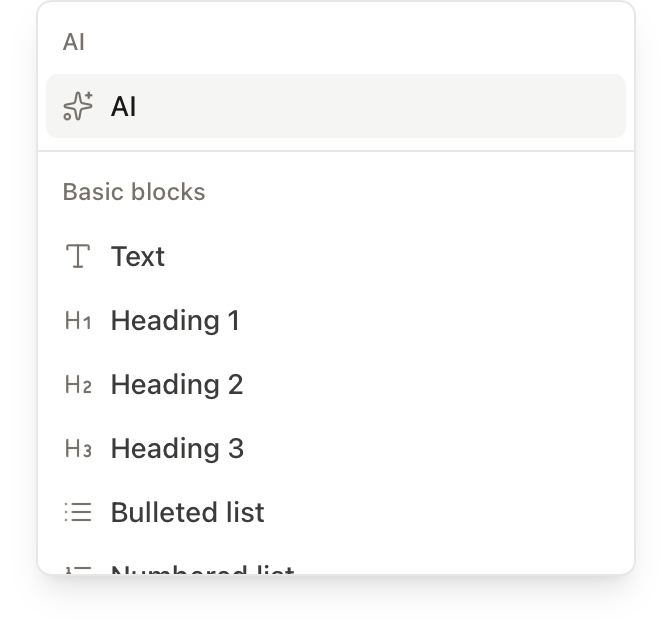
Quickly insert blocks and elements using slash commands, just like in Notion.

Slash Command

Table

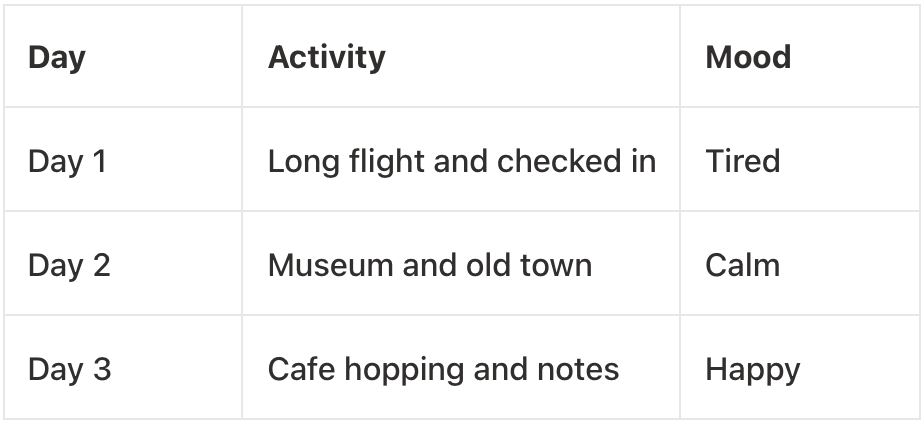
You can easily add and delete rows and columns, and edit tables efficiently with keyboard shortcuts.

Table Editing

Codeblock

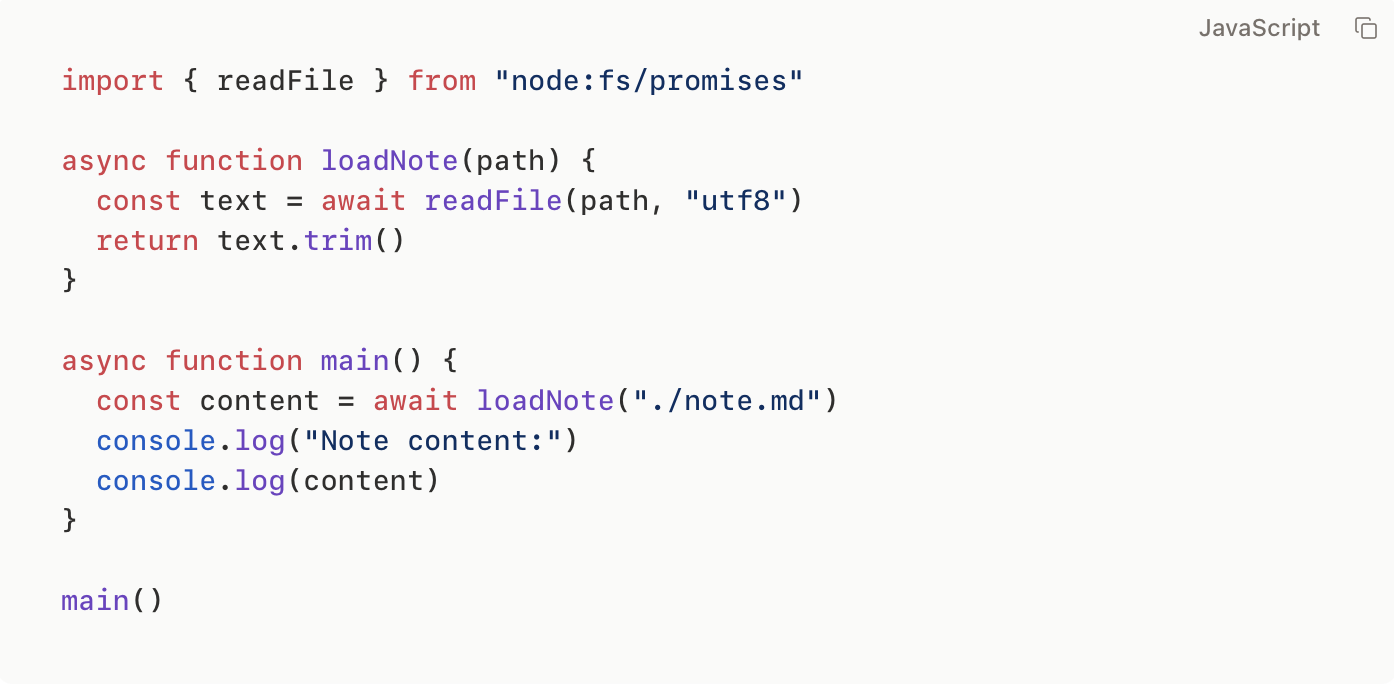
Supports various programming languages with syntax highlighting for better code readability.

Codeblock Editing
Data Ownership

Local File System Storage

Save as .md files to your file system. Works with Obsidian, iCloud, Google Drive, and more

Save to Your Computer's Folders
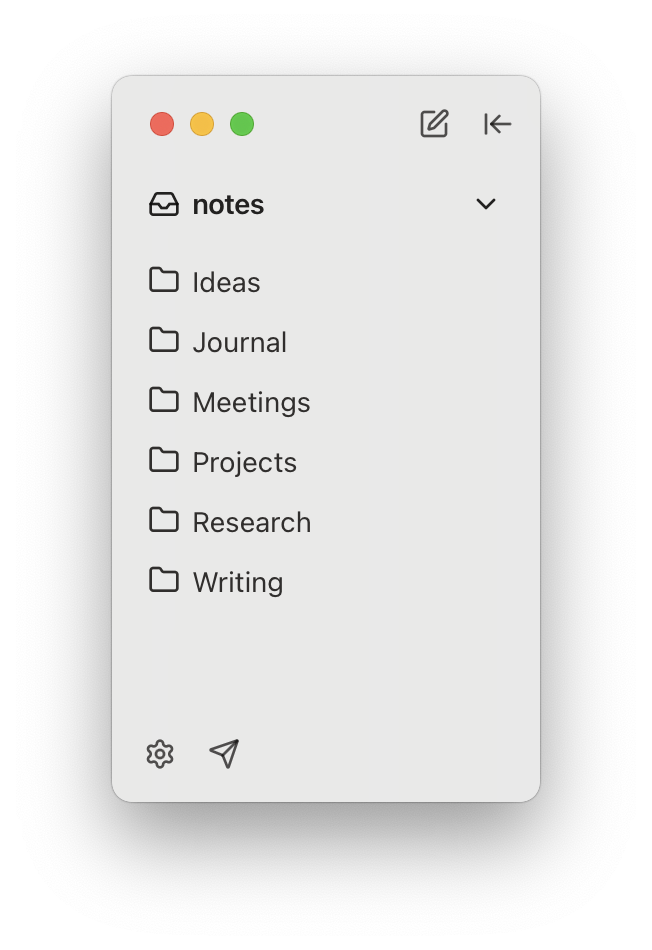
Save your notes as .md files in your computer's folders, just like any other document.

Local File System Storage

Easy Sync with Cloud Services

Since notes are just files, you can easily sync them using iCloud, Google Drive, Git, or any other cloud storage service.

mdit
iCloud
Google Drive
Git
Intelligence

AI-Assisted Features

Requires connecting your own LLM API (OpenAI, Gemini, Claude, etc.) or local LLM (Ollama).

AI Writing Assistant
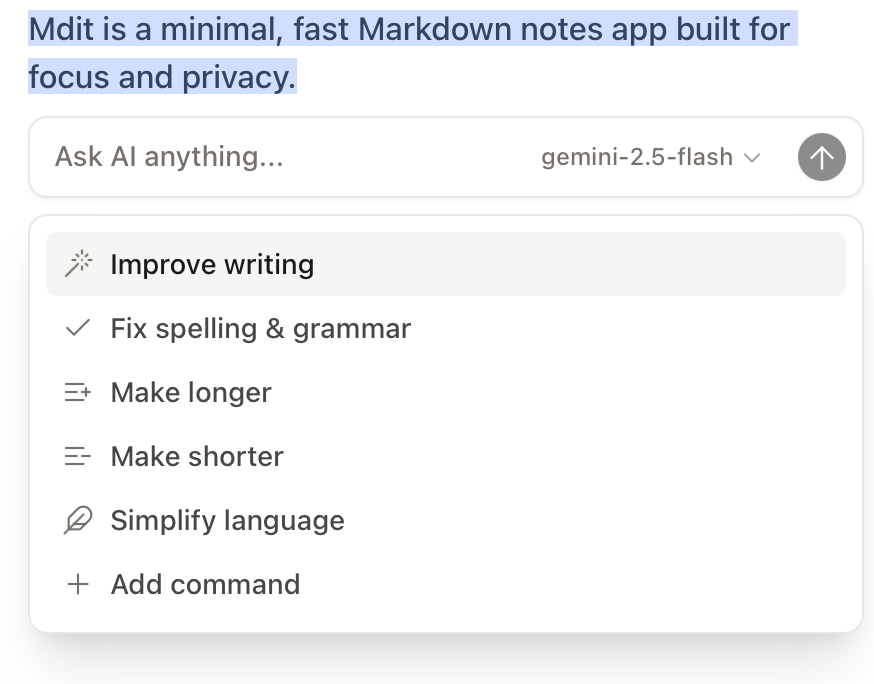
Speed up your writing with AI-powered assistance for drafting, editing, and improving your notes.

AI Writing Assistant

Smart Search

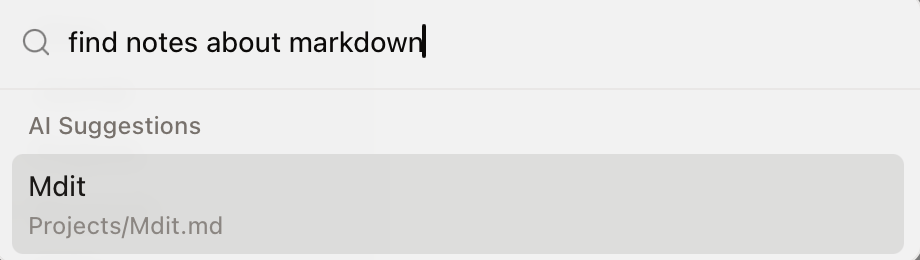
Search notes by title and keywords. With indexing enabled, you can also find notes by their meaning, not just exact words.

Smart Search

Privacy First

Your data stays local

Everything is stored on your device. No servers, no cloud dependency.

No cloud dependency

Offline-first design means you can work anytime, anywhere.

No tracking

No analytics, no tracking, no telemetry. Complete privacy.

Start a better note-taking experience today

No login, no credit card required. Only 15MB download size